
Install the add-in
Run the HQ VISU Designer installer on the engineering computer. Restart PowerPoint after installation if the ribbon does not appear immediately.
Run the HQ VISU Designer installer on the engineering computer. Restart PowerPoint after installation if the ribbon does not appear immediately.
Run the HQ VISU Designer installer on the engineering computer. Restart PowerPoint after installation if the ribbon does not appear immediately.
Confirm the HQ VISU ribbon is visible, behavior tools can open, and export commands are available.
Online activation and offline import/export should work from the plugin or browser workflow. Licensing should not slow down normal design work.
Large PowerPoint pages can take a short moment to open behavior panels or export. Keep object names clean and avoid unnecessary hidden objects.
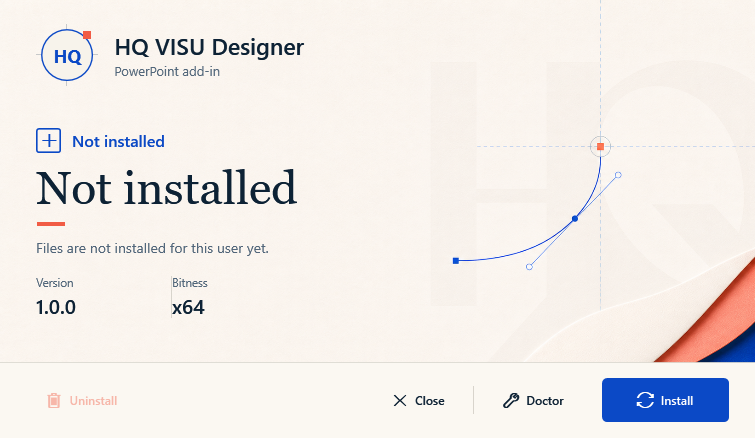
The installer installs, repairs, uninstalls, and diagnoses the add-in for the current Windows user. Restart PowerPoint after installation.