Press/Release Script has a fixed Pointer Button trigger. The runtime accepts a real primary left-pointer interaction: pointerdown runs Pointer Press, while pointerup, pointercancel, or lost pointer capture enters Pointer Release. Unlike Click Script, it distinguishes the held and released phases.
Interactions
Interactions: Press/Release Script
Configure separate press and release scripts on one object for momentary controls, hold-to-run actions, and other interactions that must distinguish button phases.
What it is and what it is for
Press/Release Script has a fixed Pointer Button trigger. The runtime accepts a real primary left-pointer interaction: pointerdown runs Pointer Press, while pointerup, pointercancel, or lost pointer capture enters Pointer Release. Unlike Click Script, it distinguishes the held and released phases.
How to use it: design the scripts as a pair
The editor provides two full script boxes, Pointer Press and Pointer Release, with no separate Condition field. The press script enters a temporary state; the release script exits or resets it. Both scripts can use object, objects, event, tag, page, presentation, shape, hqVisuDesigner, and globals.
Pointer Press: runs on the primary pointer press, for example write a momentary command true, show a pressed state, or begin a temporary action.
Pointer Release: runs on release, cancellation, or lost capture, for example write false, restore styling, or end the action.
Each script is syntax-validated separately. An empty phase script does not run.
Tag writes still depend on host permission, confirmation, reason, and audit processing; a script call is not proof that the device completed the action.
Use it for actions that remain active until the operator releases the pointer: motor jog, manual valve movement, a temporary acknowledgement, a hold-to-preview state, or pressed-state feedback. Keep one-shot submissions, navigation, and fixed writes in Click Script, Open Link, or Write Tag.
Safety boundaries and common mistakes
Keep the release script short, idempotent, and safe to repeat. Never configure only the press side and omit the reset path, and never treat this UI behavior as a replacement for PLC interlocks, emergency stops, or a safety circuit. If a host write outcome is uncertain, the runtime may block a later release write; the PLC/control system must enforce the final safe state for critical equipment.
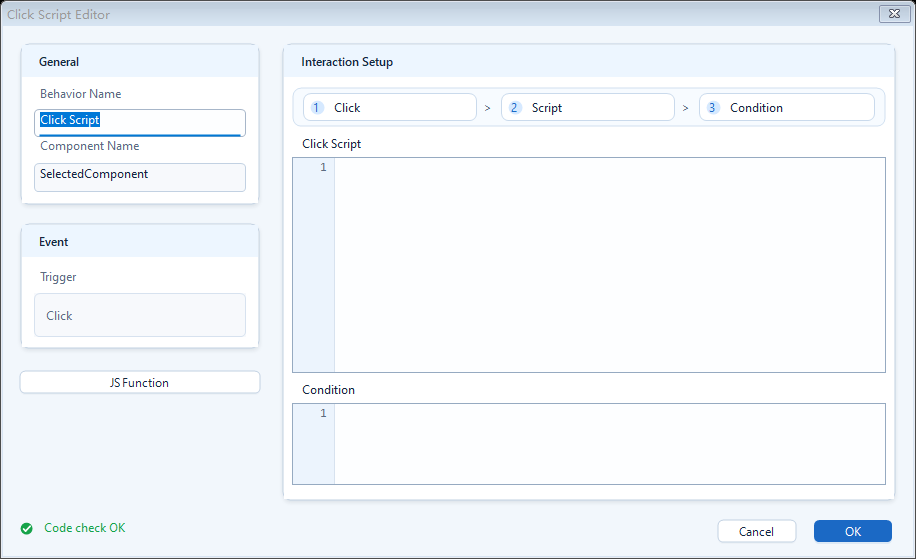
Figure 1: Press/Release Script editor structure
This behavior shares the Click/Hover editor shell; its actual mode shows Pointer Button, Pointer Press, and Pointer Release.