Templates
Reuse equipment and page patterns
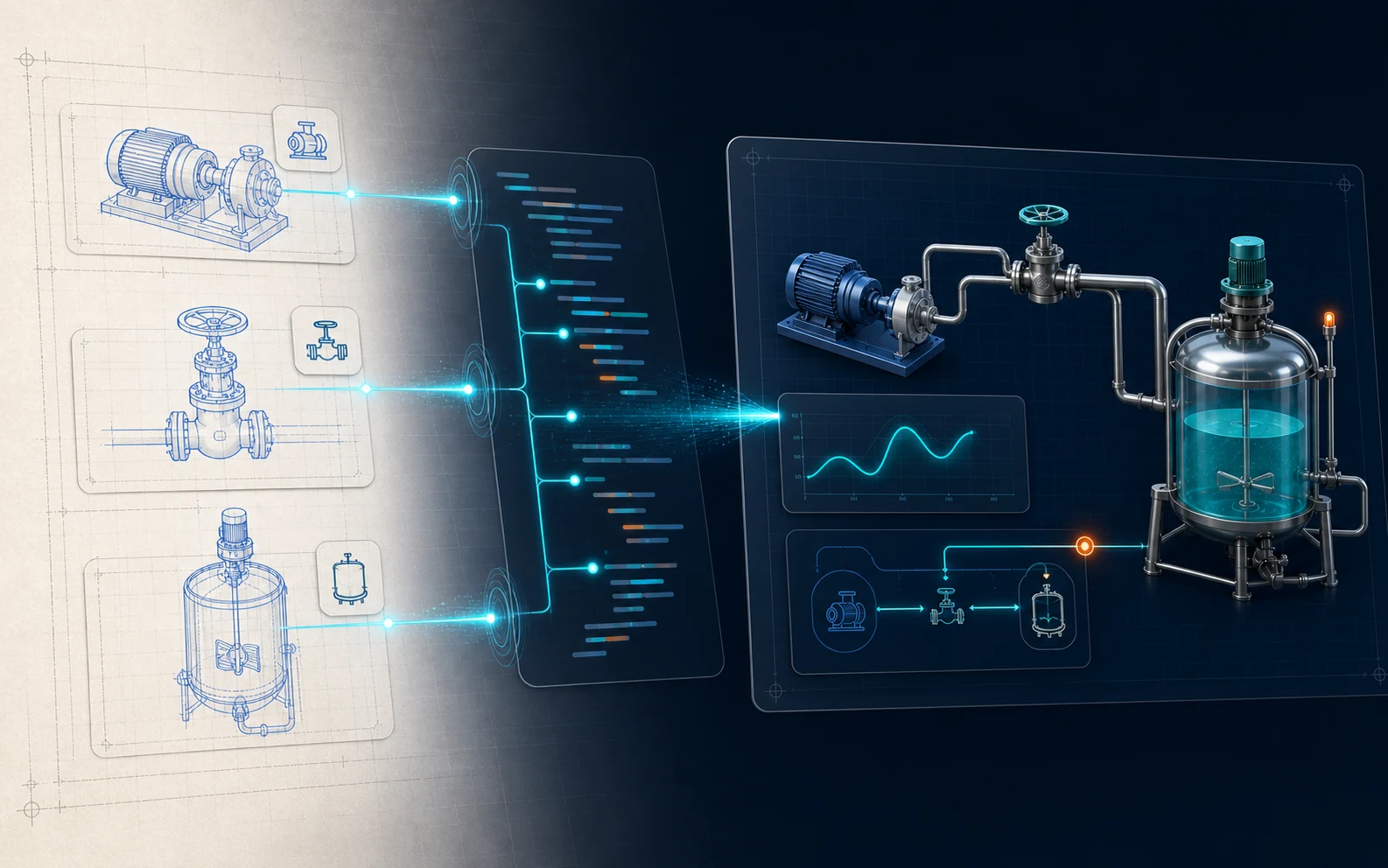
Maintain industrial screen source files in PowerPoint, export a runtime package, then connect site data and operations through HQControl.

Familiar authoring, a complete runtime package, and an operating platform with clear responsibilities.
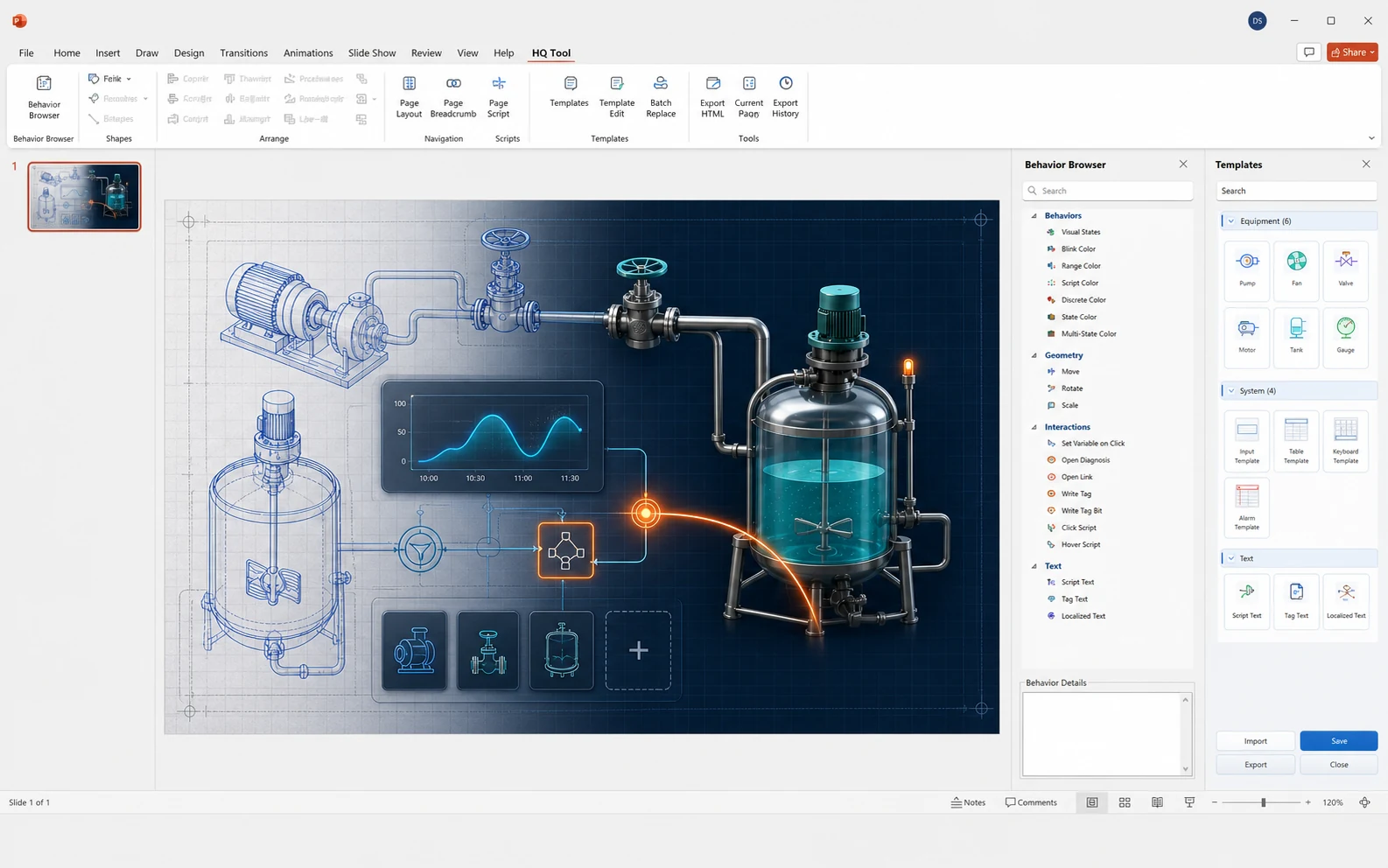
Keep the editable project inside PowerPoint.
HTML, SVG, JavaScript, images, and project assets.
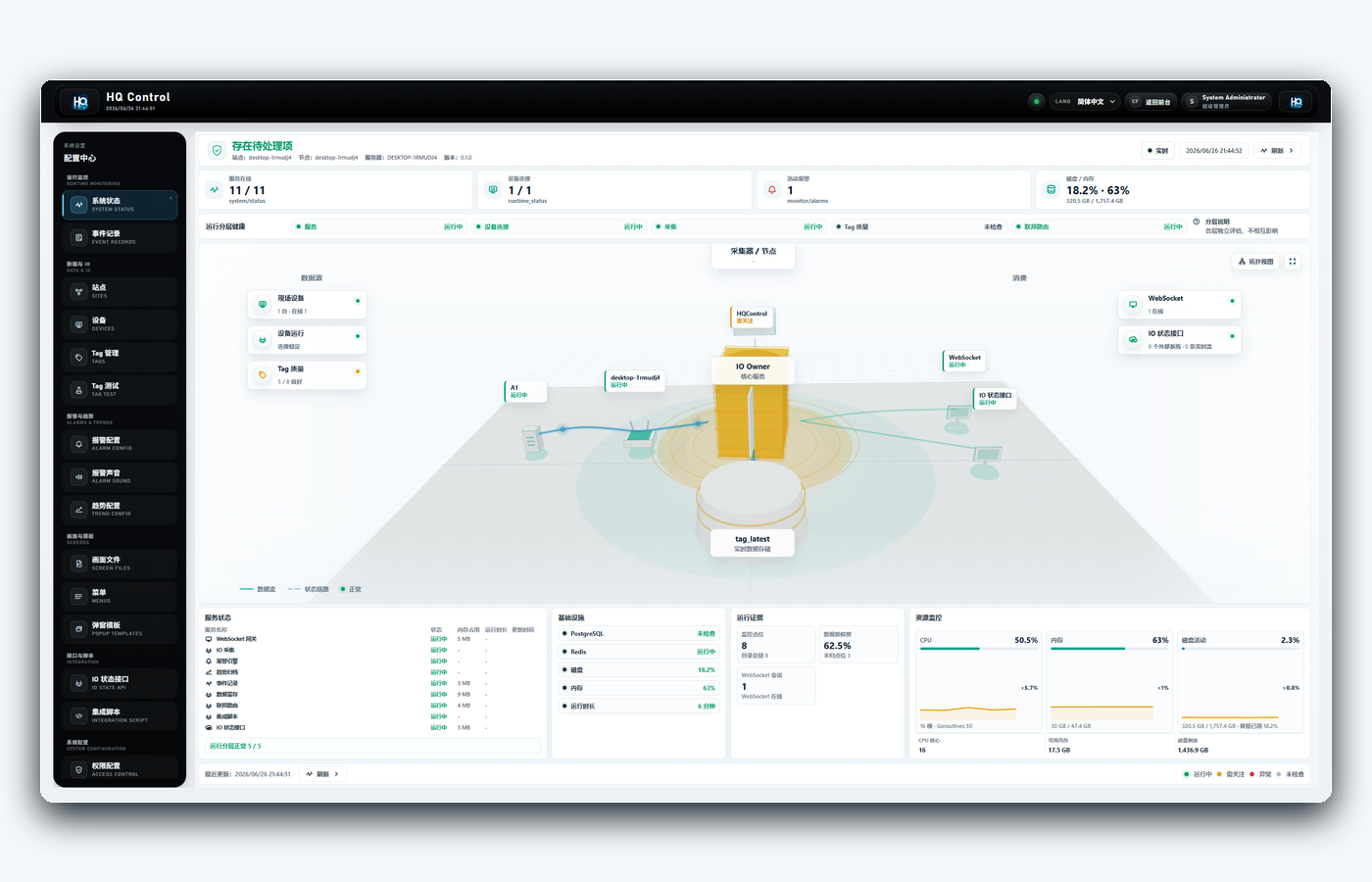
Load screens, permissions, tags, and runtime services.
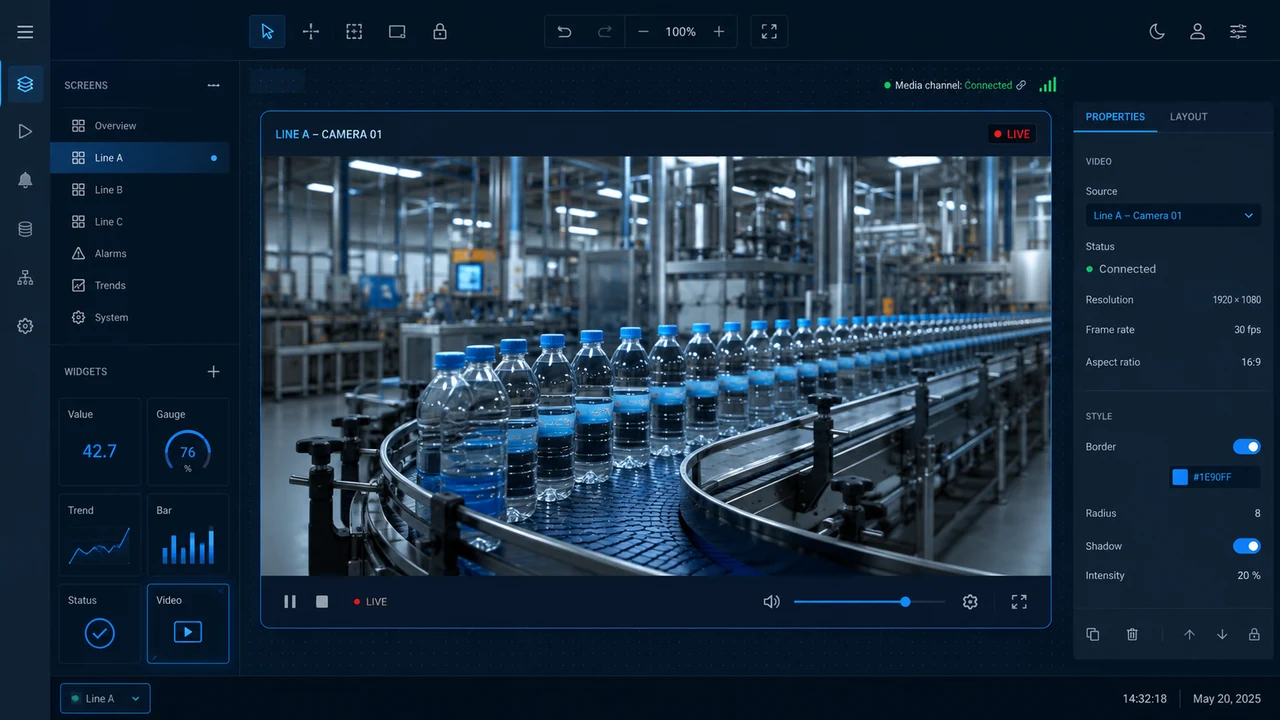
HQ VISU Designer brings templates, animation, charts, JavaScript, events, and video streams into PowerPoint without giving up the editable source.
Open Designer product page Reuse equipment and page patterns
Drive visual state from live values
Present trends, bars, gauges, and JSON
Extend page and interaction logic
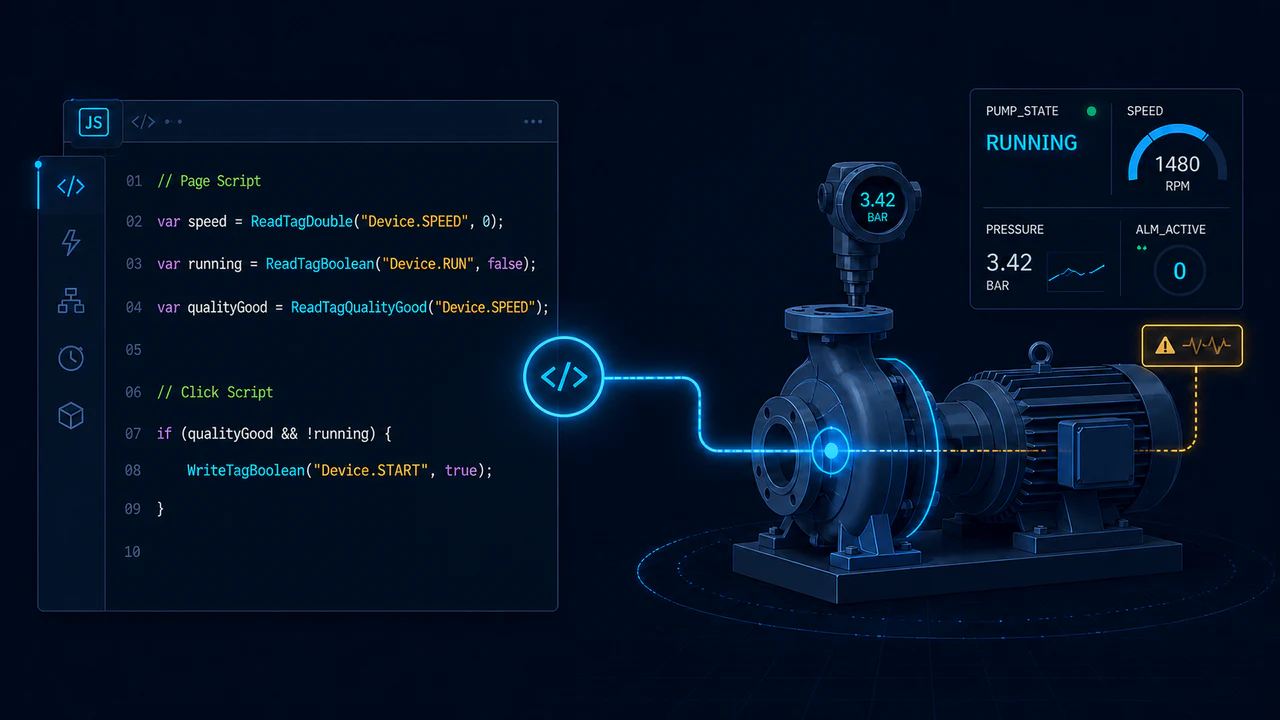
Connect clicks, hover, and actions
Play video files and browser-supported streams
HQControl connects screens to live industrial data and keeps the runtime dependable, traceable, and controllable.
Open HQControl product page Use the built-in Python integration runtime for tag analysis, calculated tags, database writes, and managed HTTPS requests.
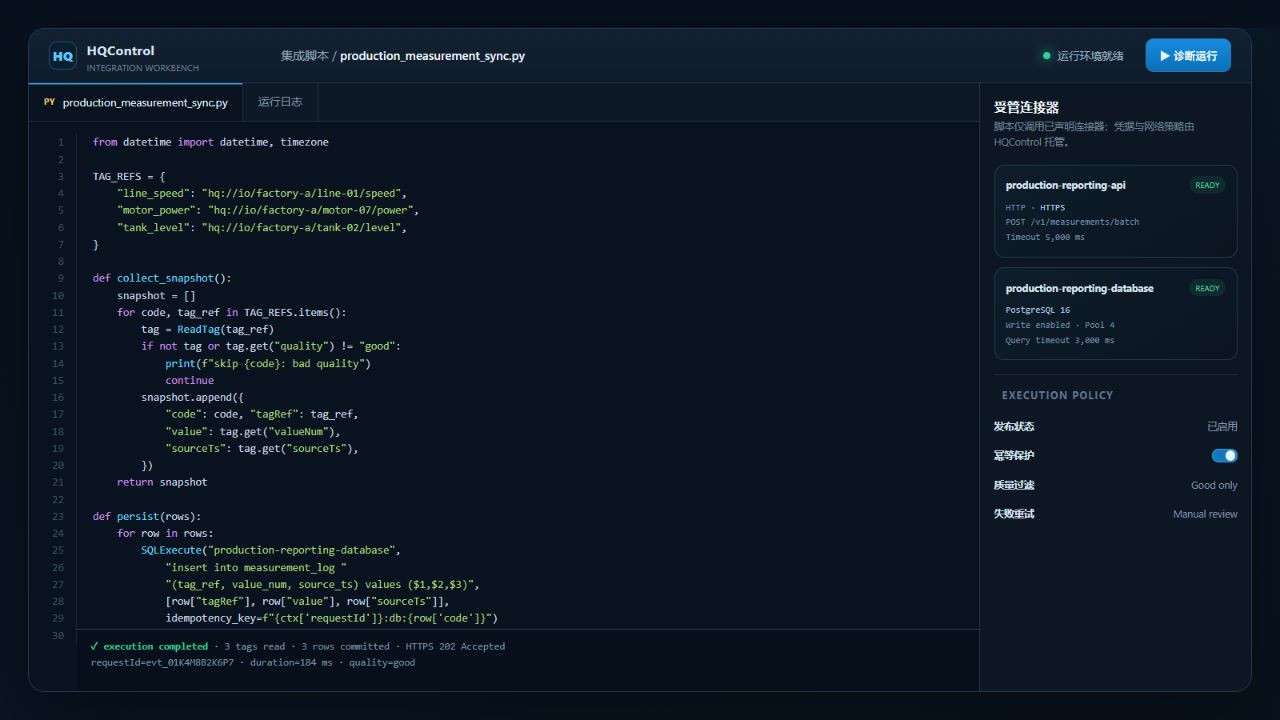
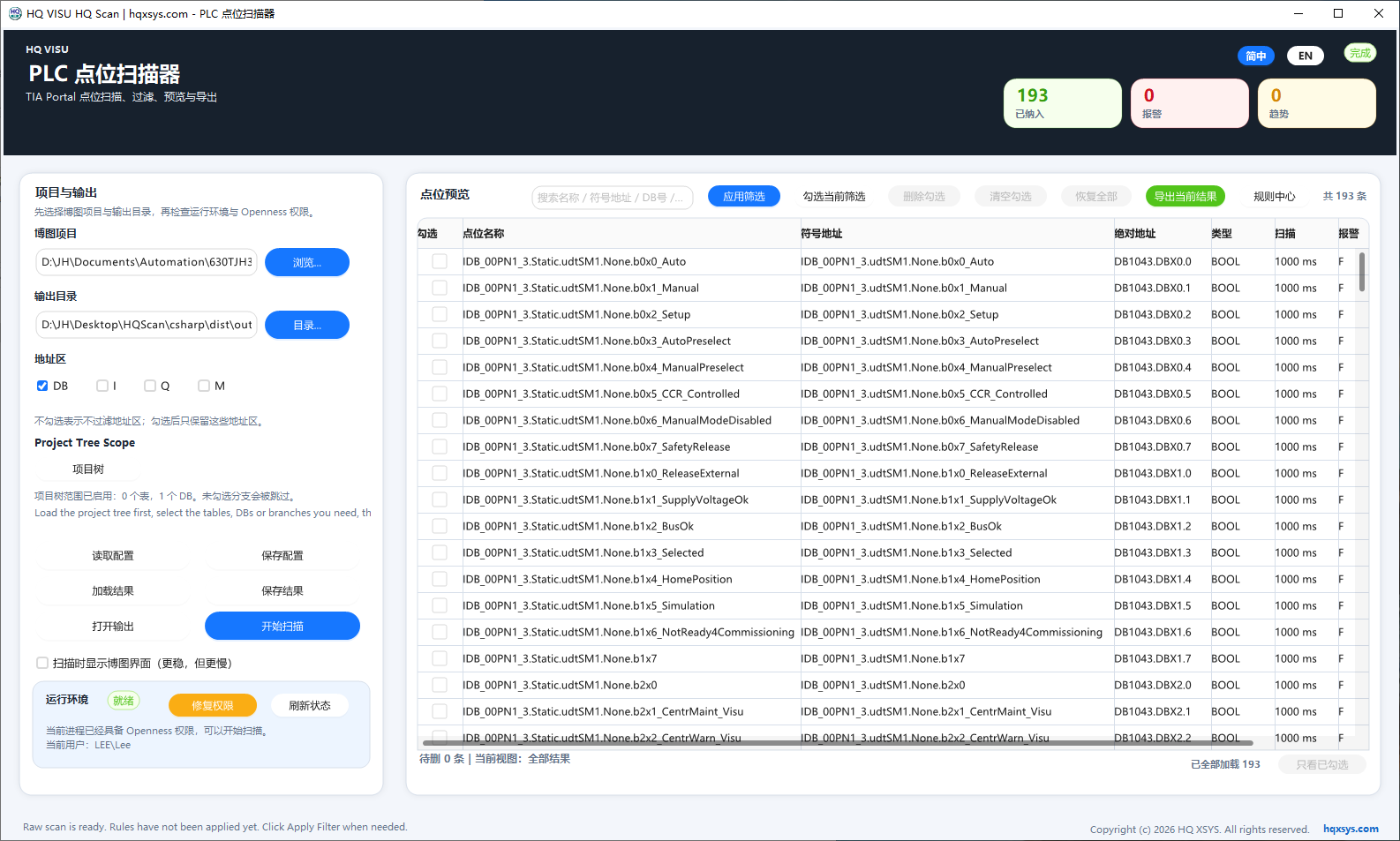
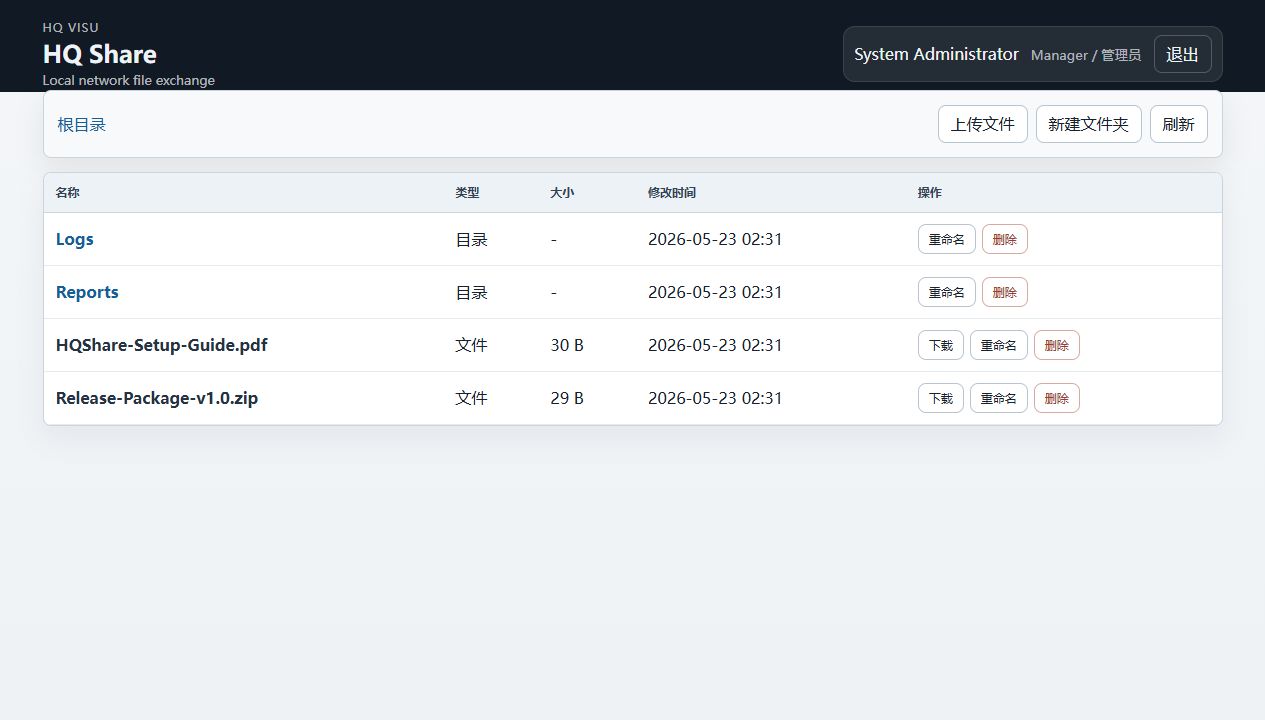
Use HQ Scan for point organization and HQShare for local file exchange whenever the work calls for them, without tying either tool to a project stage.
Installers, offline documents, and example projects are available together.