
What it is and what it's for
Bind Localized Text to a text component to look up its key in the global translation table. Host language changes update the display automatically, without separate pages per language.
Display a Text Key translation for the current language, falling back to Default Text and then the key. Use for buttons, titles, status text and menus.
Bind Localized Text to a text component to look up its key in the global translation table. Host language changes update the display automatically, without separate pages per language.
In Behavior Browser, add Localized Text to a text-capable component and enter Text key and Fallback text. This mode has no script or quality override settings.
Text key: pump.start
Fallback text: Start pumpUse it for multilingual screen text, for example:
The host controls the active language; use hqVisuDesigner.useLanguage(...) to switch it from script. Missing translations display the configured fallback, then the key.
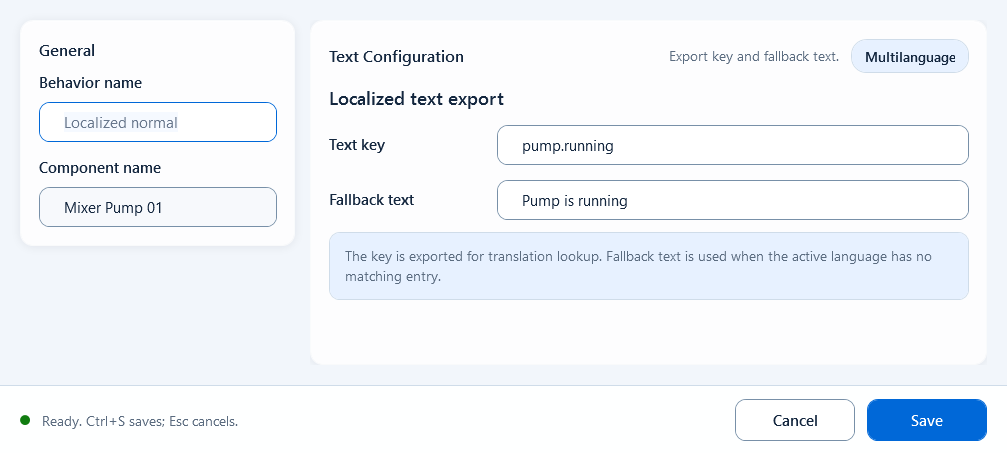
Bind a text shape to a language key so the runtime shows the translation for the current language, falling back when not found.