
Overview
This closes only the popup containing the bound object, with no Page Code. Place it inside the popup; it does not navigate the main page.
Close the current popup from its Close, Cancel, OK or Done button, optionally returning a result.
This closes only the popup containing the bound object, with no Page Code. Place it inside the popup; it does not navigate the main page.
By default, this behavior closes the popup without returning a value. To send a result to the opener, select Return data when this button is clicked (optional) and enter a result expression.
{ confirmed: true } or another value the opener expects.// Result expression
({ confirmed: true, motorId: selectedMotorId })Use only in a popup context. Returned data does not write to a PLC; use Write Tag / Write Tag Bit, subject to host permissions and auditing.
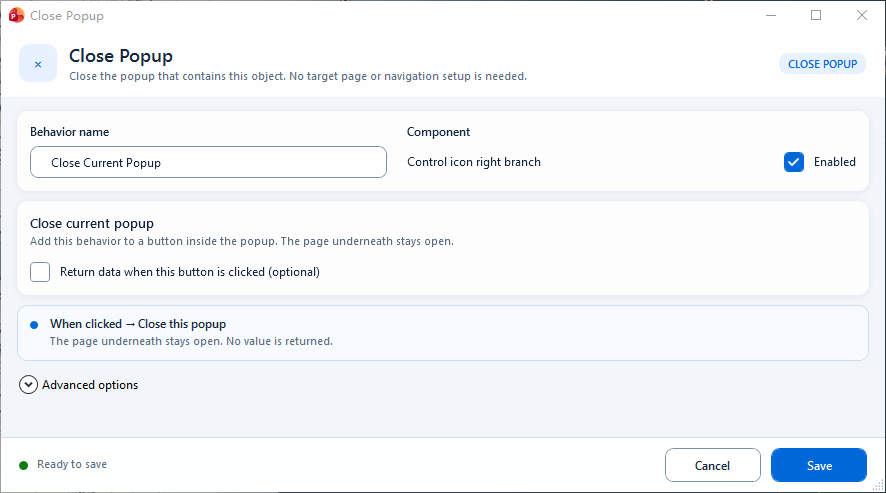
The containing popup closes while the underlying page stays open; enable Return data only when the opener needs a result.