
PC uses 1920×1080 as the primary baseline
PC access targets IPCs, control rooms, and large-screen views. It keeps full header navigation, runtime canvas, and status panels. 2560×1600 is treated as scaled adaptation, not the only acceptance size.
PC access targets IPCs, control rooms, and large-screen views. It keeps full header navigation, runtime canvas, and status panels. 2560×1600 is treated as scaled adaptation, not the only acceptance size.
PC access targets IPCs, control rooms, and large-screen views. It keeps full header navigation, runtime canvas, and status panels. 2560×1600 is treated as scaled adaptation, not the only acceptance size.
Tablet layouts narrow popups, status blocks, and operation panels so they remain readable and touch-friendly for field inspection, device details, write confirmation, and alarm review.
Mobile focuses on alarms, trends, system status, and lightweight admin console maintenance. Complex canvases should not be forced into a tiny viewport; navigation, lists, charts, and menus adapt to narrow screens.
For runtime pages, popups, trends, alarms, admin console menus, tables, and inputs, check PC 1920×1080, tablet 768×1024, and mobile 390×844. Confirm that content does not overlap, can scroll correctly, remains clickable, and does not clip text.
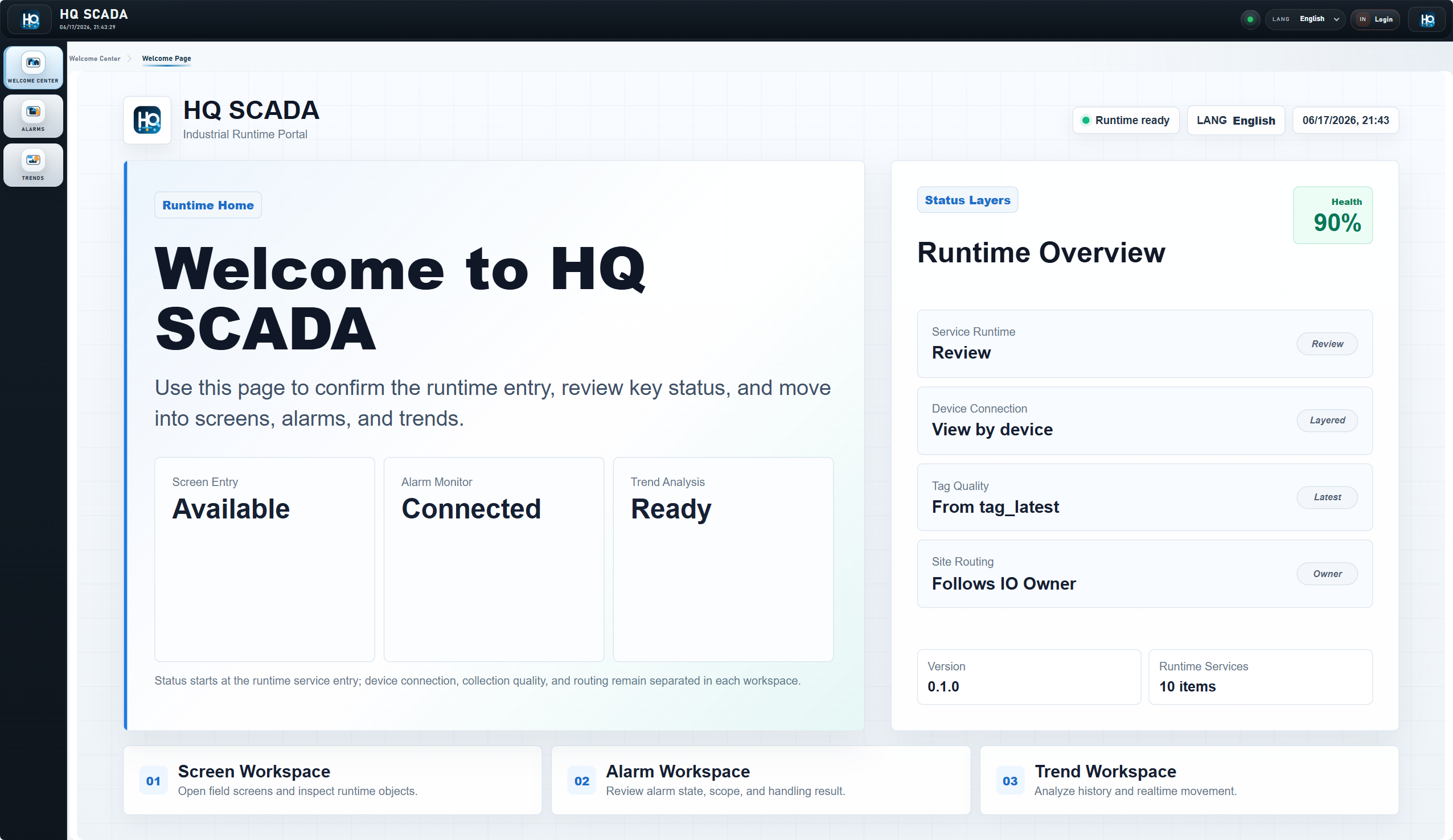
1920×1080 is the main runtime acceptance baseline for IPCs, control rooms, and large-screen views.
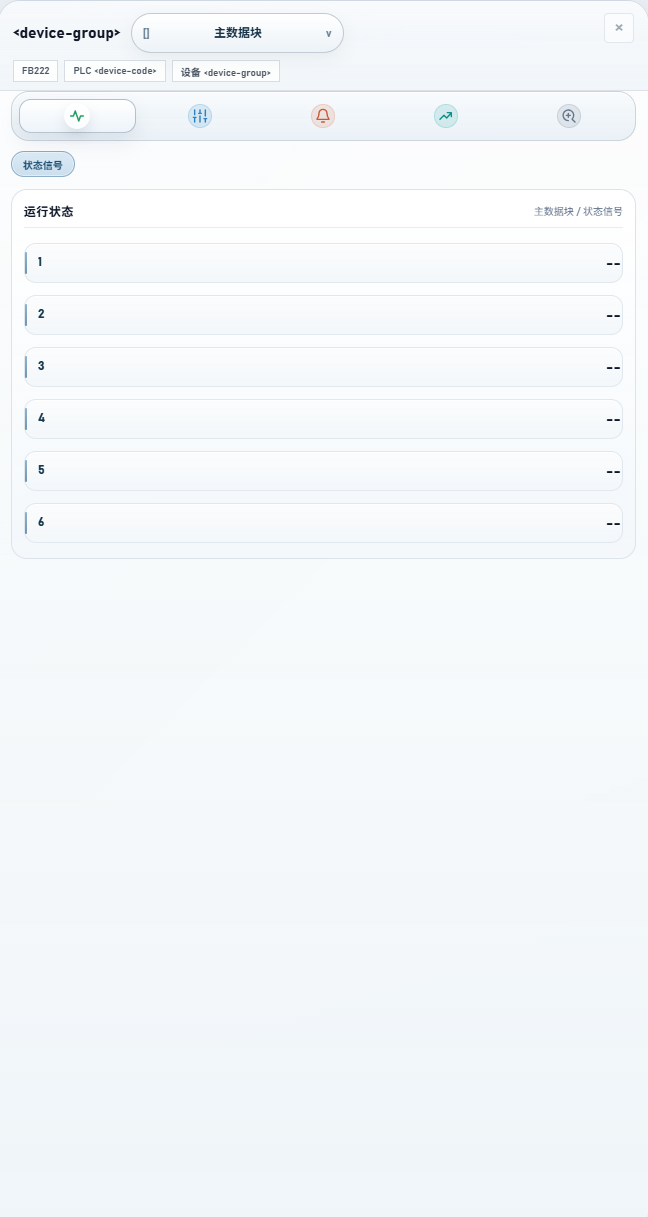
Tablet access should keep device details, alarm confirmation, and field inspection touch-friendly.
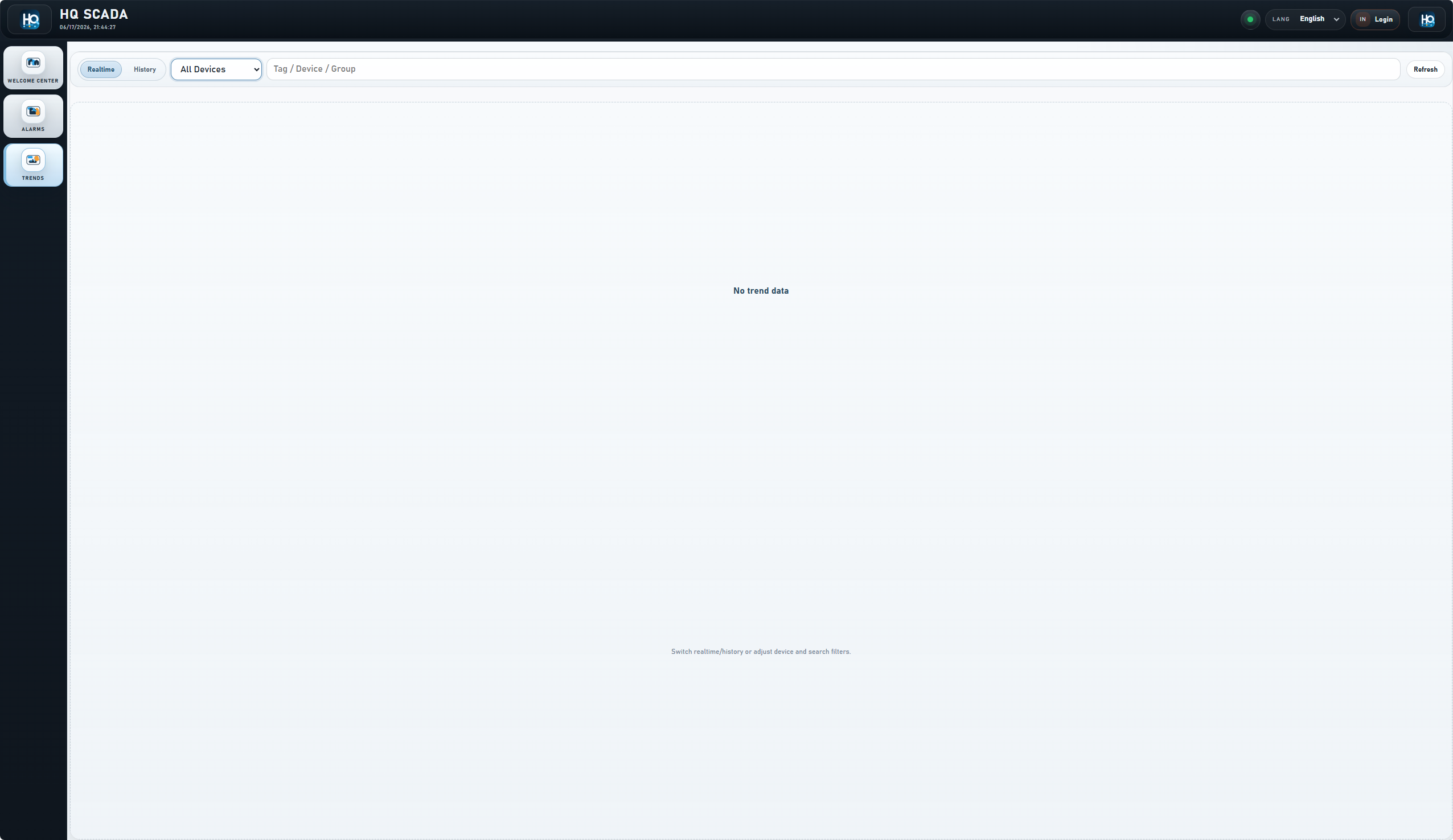
Mobile access focuses on alarms, trends, system status, and lightweight admin console maintenance.
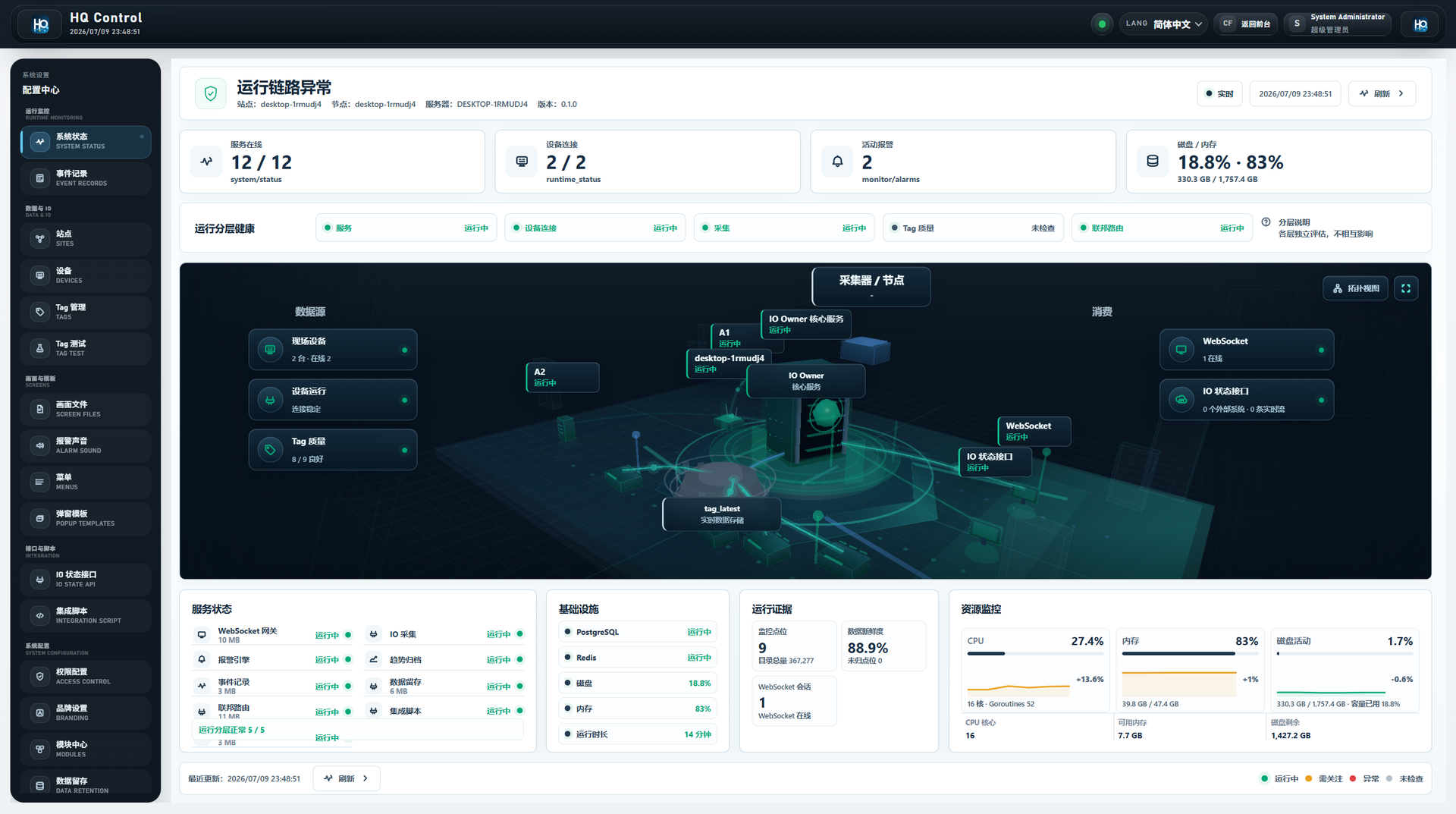
System state, module state, and service state use a complete PC screenshot instead of a clipped mobile long screenshot.