The default is 512 MiB per request, including all selected files and form overhead. Duplicate names are assigned a new name without overwriting existing files. If a multi-file request fails, completed files may remain; check the folder before retrying.
Actions
Actions: Document preview, downloads, and uploads
After login, users can preview, download, upload, and organize materials by permission. Preview support depends on the file type and browser capability.
Upload size, duplicate names, and interruption
The default is 512 MiB per request, including all selected files and form overhead. Duplicate names are assigned a new name without overwriting existing files. If a multi-file request fails, completed files may remain; check the folder before retrying.
Deletion and backup
Managers can delete files and empty folders. Non-empty folders cannot be deleted directly. Deletion does not use a recycle bin and has no version recovery; maintain a separate backup.
Download files
After login, accounts with download permission can download from the file list.
Supported preview types
Preview images, PDF, text and code, Markdown, CSV / TSV, audio, and browser-supported video. Images, PDFs, and media use browser-native rendering; text, basic Markdown, and CSV / TSV tables use escaped content. Markdown does not provide full formatting or script execution.
Preview limits and safety
Text previews are limited to 2 MiB, and CSV / TSV previews to 1000 rows and 100 columns. HTML and SVG are shown as source instead of executed. DOCX, XLSX, PPTX, EXE, and other non-allowlisted formats must be downloaded.
Upload and organize folders
Users with upload or management permission can upload logs, screenshots, reports, and delivery materials, then create folders, rename files, or delete content according to their role.
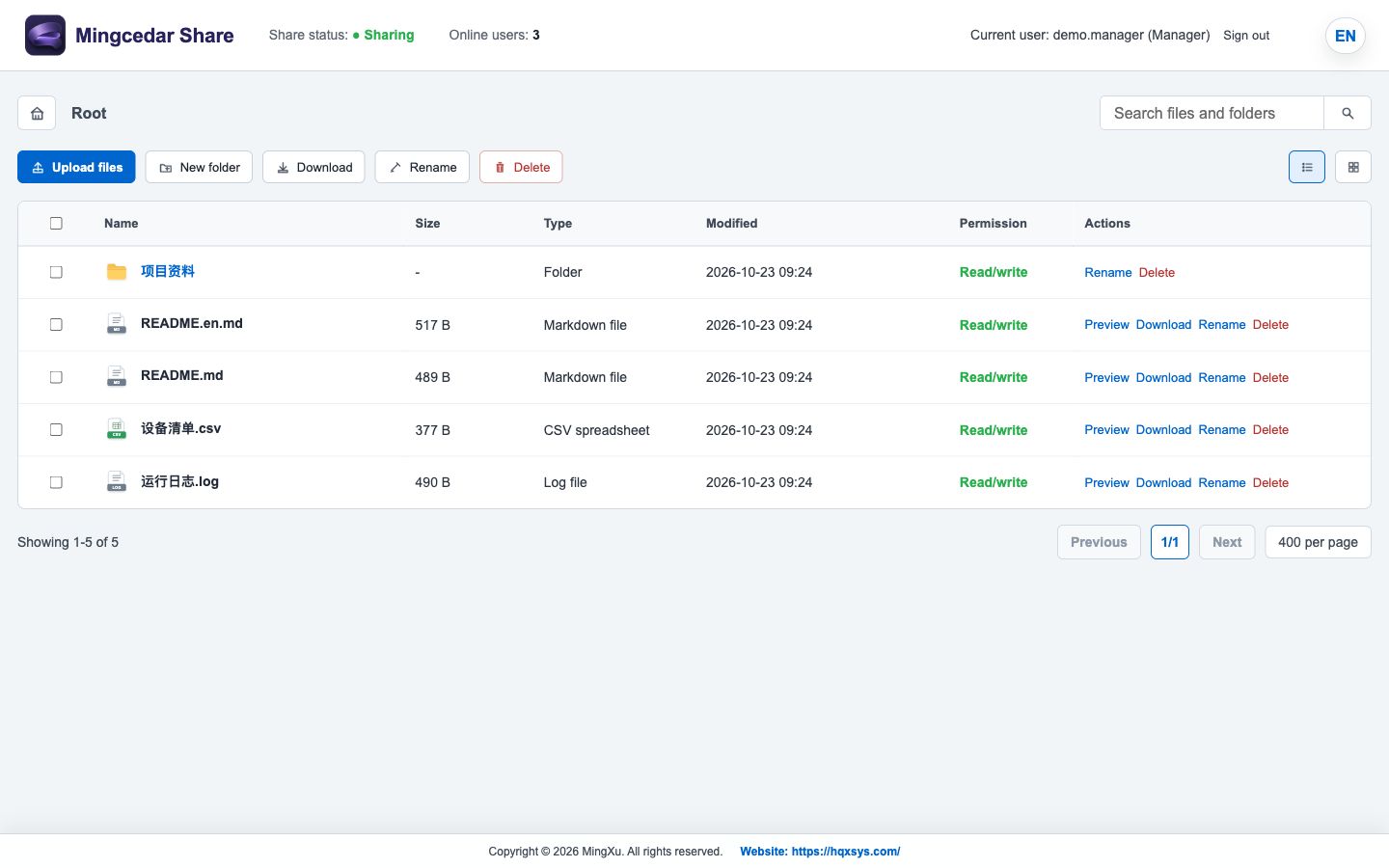
Figure 1: File list
Example files with Manager actions; available controls depend on the account role.
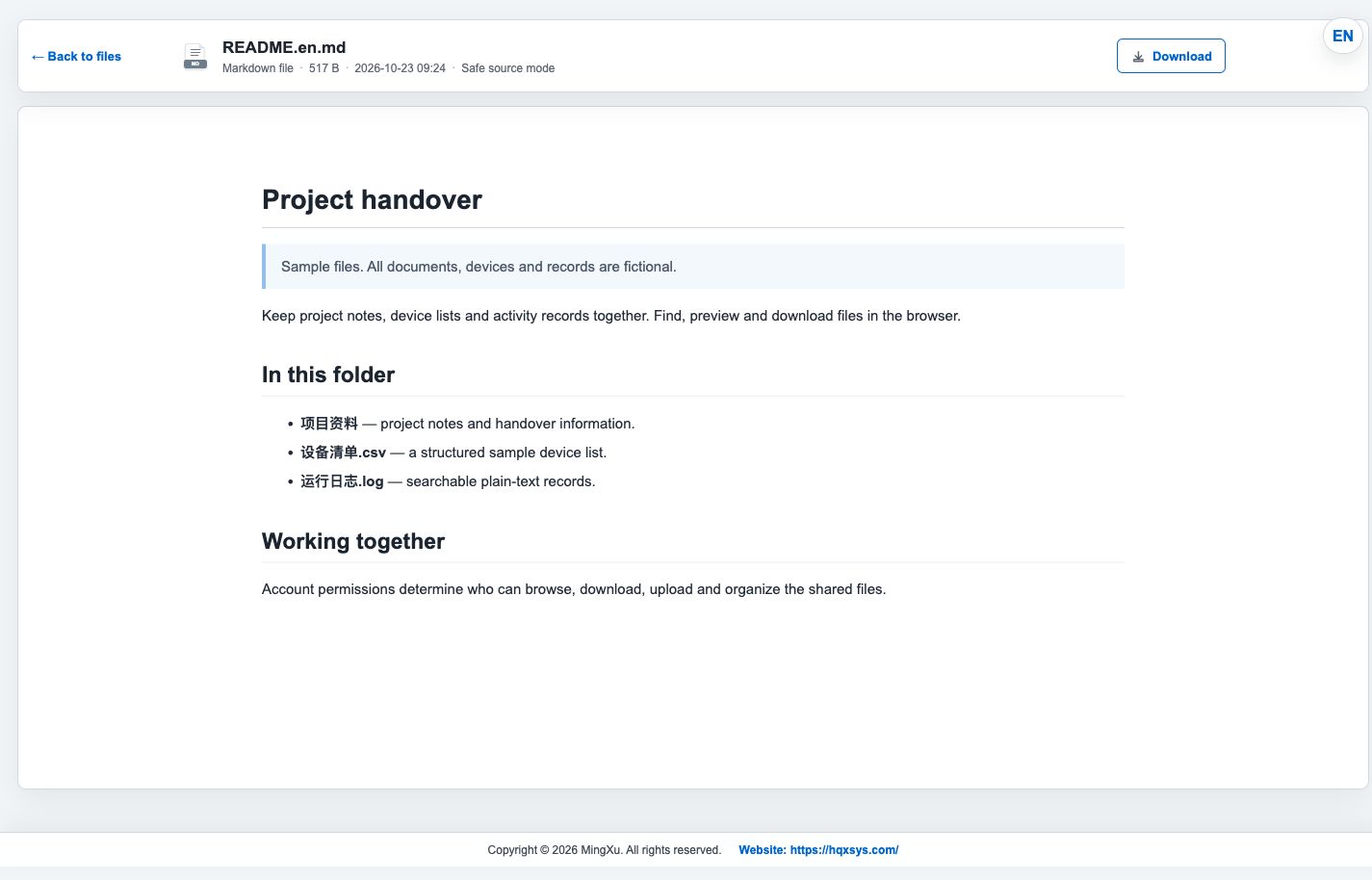
Figure 2: Basic Markdown preview
Markdown preview of an example file; return to the list or download the original.