
First login
A new configuration creates username admin with password HQShare@2026. Change it locally through User permissions before allowing LAN access. Existing configurations retain their accounts and passwords.
A new configuration creates username admin with password HQShare@2026. Change it locally through User permissions before allowing LAN access. Existing configurations retain their accounts and passwords.
A new configuration creates username admin with password HQShare@2026. Change it locally through User permissions before allowing LAN access. Existing configurations retain their accounts and passwords.
The browser supports Chinese/English, list/grid views, and breadcrumb navigation. A directory page shows up to 400 entries. Name filtering only applies to the loaded page; it is not recursive or full-text search.
LAN users must log in before seeing the file list. Anonymous users cannot browse or download files.
The list shows name, type, size, modified time, and available actions. Folders can be opened; files can be downloaded, renamed, or deleted according to permissions.
Supported files show Preview for accounts with download permission. Preview opens separately, with list and download links.
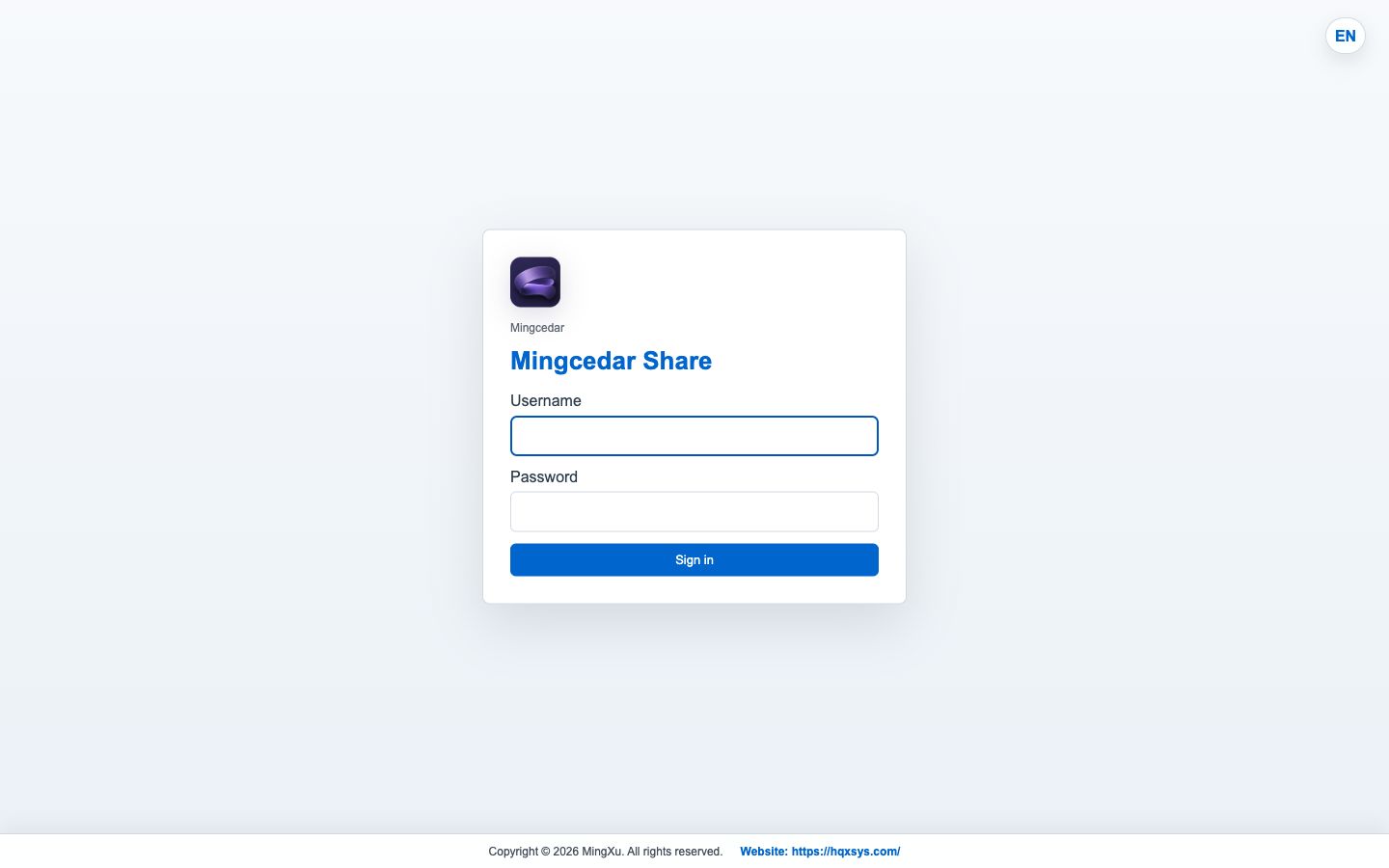
Enter the account and password first. After login, the file list and actions are shown according to the current role.