
Available scope controls
Limit by PLC, DB, or project-tree branch depending on the engineering task. The default delivery scope focuses on DB point preparation.
Limit by PLC, DB, or project-tree branch depending on the engineering task. The default delivery scope focuses on DB point preparation.
Limit by PLC, DB, or project-tree branch depending on the engineering task. The default delivery scope focuses on DB point preparation.
Large projects can produce many irrelevant points. A smaller first scan makes it easier to confirm the rule and address pattern.
Start with the current PLC and the required tables or DBs, run a small initial scan, then expand the scope only after the result looks correct.
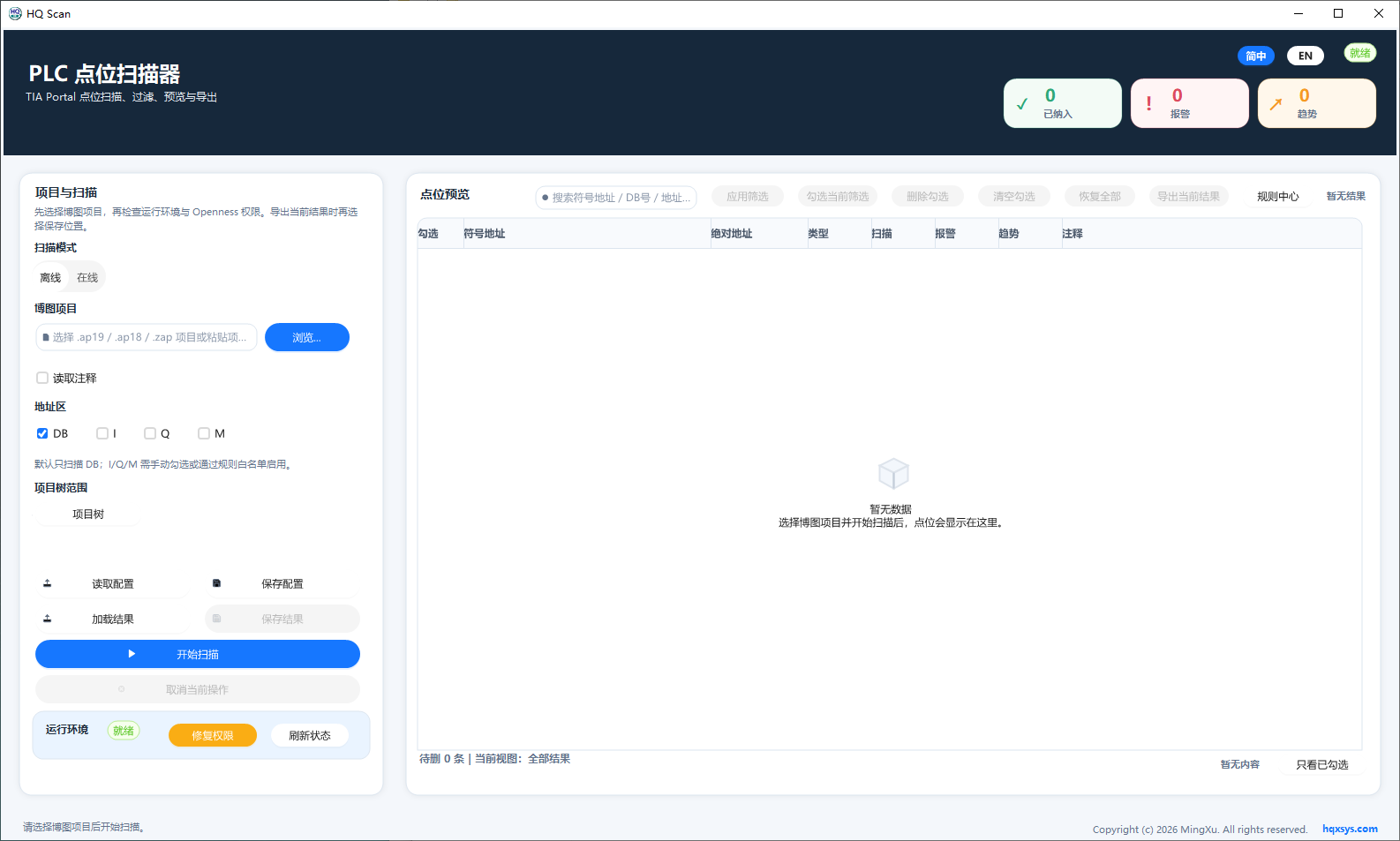
Select all standard DBs or only HMI/OPC-accessible DBs, then use the project tree to narrow the current PLC and DB scope.