
What to confirm
Confirm Windows x64 has .NET Framework 4.8, TIA Portal can manually open the target project, Automation License Manager Service is running, and the current Windows user has Openness access.
Confirm Windows x64 has .NET Framework 4.8, TIA Portal can manually open the target project, Automation License Manager Service is running, and the current Windows user has Openness access.
Confirm Windows x64 has .NET Framework 4.8, TIA Portal can manually open the target project, Automation License Manager Service is running, and the current Windows user has Openness access.
Repair Permissions only adds the current account to the local Siemens TIA Openness group and requests administrator elevation. If elevation is cancelled, the group is missing, or the command fails, permissions do not change.
The Mingcedar Scan build, installed TIA Portal, and Openness API must be compatible. Projects must be V14 or later and no newer than the selected TIA installation. Older projects can use its upgrade API if the migration path is supported. Migrate pre-V14 projects first. V21 projects require the V21 build and matching Openness installation. Check the package version notes.
Sign out of Windows and sign back in, then reopen TIA Portal and Mingcedar Scan. Verify that the project opens, PLCs can be read, and a result is produced.
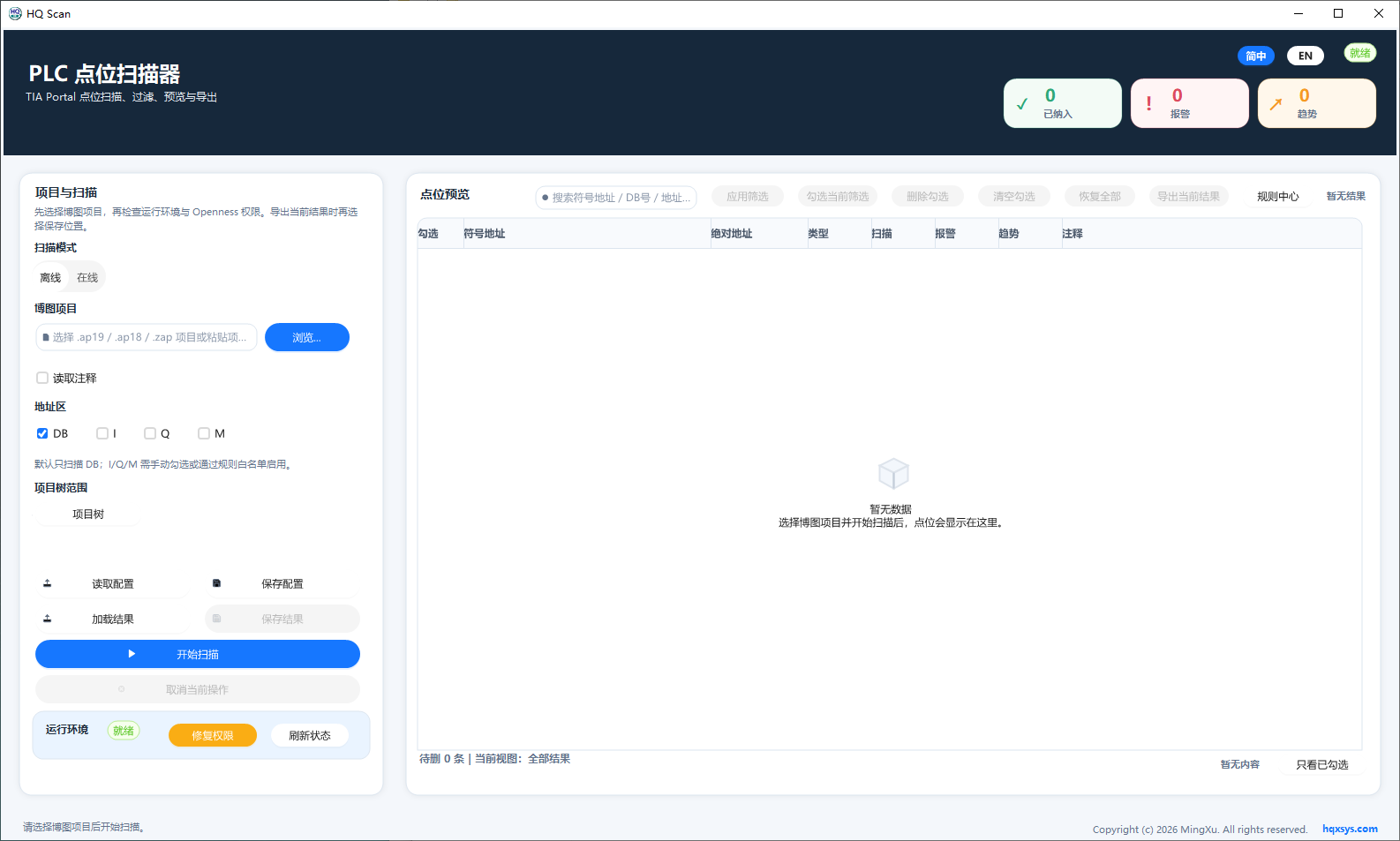
The left side handles the project, DB scan scope, configuration, and environment state. The right side shows point preview and review tools.