
Available scope controls
Limit by PLC, DB-number range, or DB branch in the project tree. The main window can scan all proven standard-layout DB members or further retain only members marked HMI/OPC accessible.
Limit by PLC, DB-number range, or DB branch in the project tree. The main window can scan all proven standard-layout DB members or further retain only members marked HMI/OPC accessible.
Limit by PLC, DB-number range, or DB branch in the project tree. The main window can scan all proven standard-layout DB members or further retain only members marked HMI/OPC accessible.
Choose all proven standard-layout DBs or keep only members explicitly marked HMI/OPC accessible, then narrow by DB number, PLC name, project tree, or excluded-name rules. I, Q, and M are outside the current scan scope.
Use excluded-name rules for backup, history, temporary, simulation, retired, or non-delivery naming fragments. Keep each rule reviewable and avoid short fragments that can remove unrelated points.
Large projects can produce many irrelevant points. A smaller first scan makes it easier to confirm the rule and address pattern.
Follow these steps, verify the result, then expand the scope.
Included and excluded DB ranges accept a single number or a continuous range, such as 1, DB1, 10-20, or DB10-DB20. Include ranges define the main scan set; exclude ranges remove DBs that should not be delivered. A range applies only when TIA metadata supplies a recognizable DB number.
The project-tree selection defines what is scanned; rules operate only on the points that were scanned. An unselected PLC, table, or DB cannot be added back by a matching rule.
The HMI/OPC-accessible option checks member access attributes inside standard-layout DBs. It is not an online OPC scan and does not add optimized DBs or I, Q, and M areas to the result.
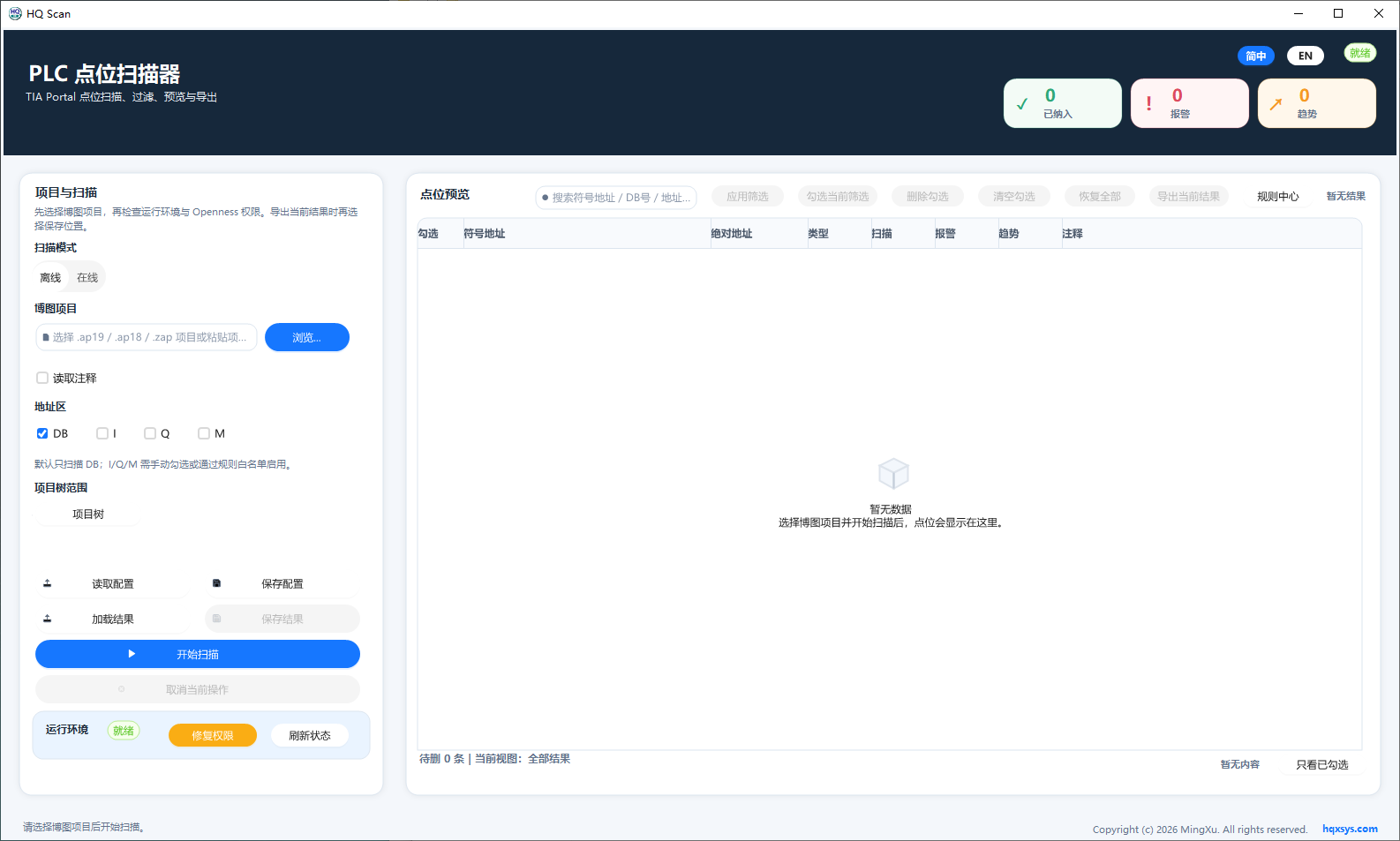
Select all standard DBs or only HMI/OPC-accessible DBs, then use the project tree to narrow the current PLC and DB scope.