
Result review items
Verify the project name and full path, then check symbolic and absolute addresses, types, scan periods, and counts against the selected scope.
Verify the project name and full path, then check symbolic and absolute addresses, types, scan periods, and counts against the selected scope.
Verify the project name and full path, then check symbolic and absolute addresses, types, scan periods, and counts against the selected scope.
Review symbolic paths and absolute addresses alongside addressState, addressSource, and addressConfidence. absolute_unverified rows are review-only and excluded from communication imports; address text alone does not prove collection eligibility.
A standard-DB member must have a constructed absolute address to enter the result. Derived layouts, unverified offset semantics, unsupported communication types, or normalized-code conflicts can leave a row unverified. Optimized or unknown layouts and members without an address are skipped rather than exported as symbolic-only rows.
Review lists support scalar Boolean, integer, floating-point, string, and date/time types. Structures and arrays export supported scalar children only. Communication imports support fewer types; see Export Rules.
Use selection, filtering, deletion of selected rows, clear selection, restore all, and selected-only view to narrow the target result.
If the table contains content outside the intended delivery scope, adjust scope or rules before exporting.
Filtering and export compare the result and current project paths. A mismatch stops the operation and clears results; rescan to continue.
An unmatched search shows a no-match message and total result count. Clear or change the search to view the existing results.
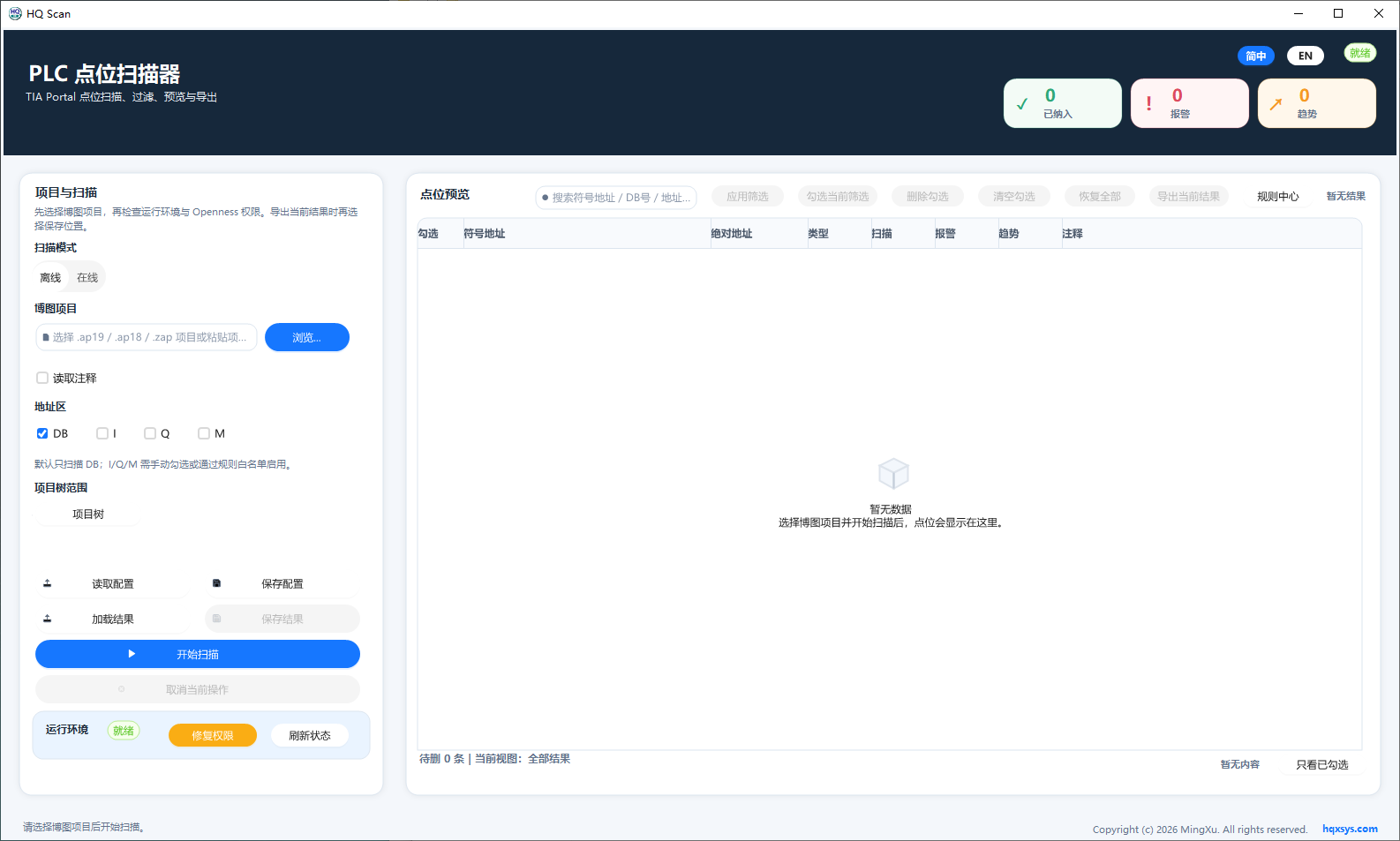
The workspace combines project selection, DB scan scope, environment state, and point preview. Review addresses, types, and counts after scanning.