
Result review items
Verify the result project name and full path in the completion status. Then check the symbolic address, absolute address, data type, scan period, and total count against the selected scan scope.
Verify the result project name and full path in the completion status. Then check the symbolic address, absolute address, data type, scan period, and total count against the selected scan scope.
Verify the result project name and full path in the completion status. Then check the symbolic address, absolute address, data type, scan period, and total count against the selected scan scope.
The result table and export files use symbolic address as the point key. Review, search, rule matching, and import preparation should be based on symbolic address, data type, address metadata, and comments.
HQ Scan generates absolute addresses only from DB numbers, byte offsets, and bit offsets available in the TIA project. Optimized DBs or members without stable offsets use symbolic addresses.
Table types are normalized to common industrial scalar types such as BOOL, BYTE, WORD, DWORD, INT, DINT, REAL, LREAL, STRING, WSTRING, and time/date types so downstream systems can map them consistently. Structured objects, array containers, and objects that cannot produce stable scalar fields are treated as engineering context.
Use selection, filtering, deletion of selected rows, clear selection, restore all, and selected-only view to narrow the target result.
If the table contains content outside the intended delivery scope, adjust scope or rules before exporting.
Before applying filters or exporting, HQ Scan compares the project path stored in the result with the current project-path field. If they differ, the operation stops and the previous result is cleared. Scan the current project before continuing.
If the result contains points but the current search has no matches, the result area reports that no rows match and shows the total result count. Clear or change the search to display the existing result again; the scan data has not been deleted.
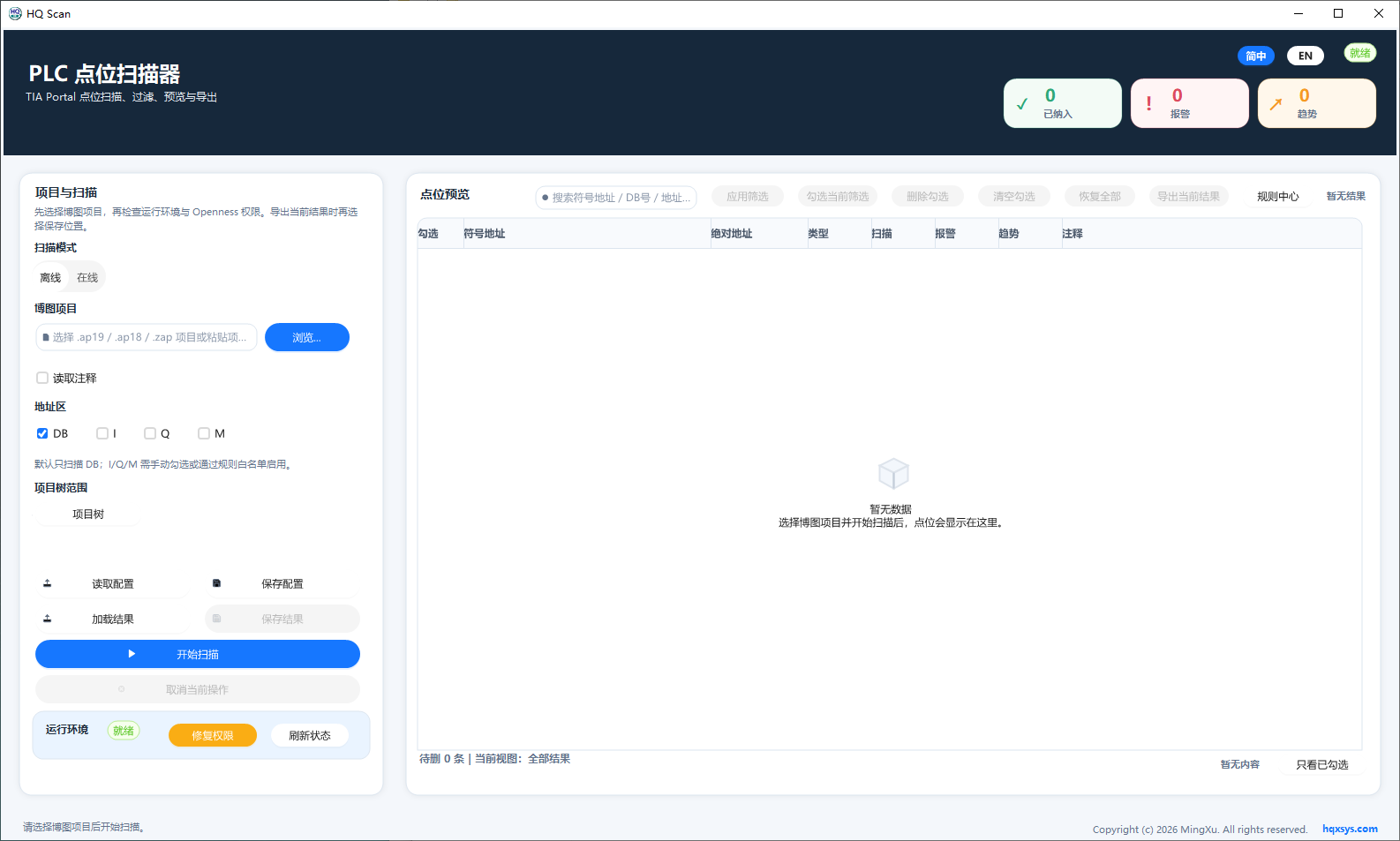
The workspace combines project selection, DB scan scope, environment state, and point preview. Review addresses, types, and counts after scanning.