
Login is required
LAN users must log in before seeing the file list. Anonymous users cannot browse or download files.
LAN users must log in before seeing the file list. Anonymous users cannot browse or download files.
LAN users must log in before seeing the file list. Anonymous users cannot browse or download files.
The list shows name, type, size, modified time, and available actions. Folders can be opened; files can be downloaded, renamed, or deleted according to permissions.
The account must have download permission and the file type must be on the explicit preview allowlist. Preview opens in a separate page with actions to return to the list or download the original file.
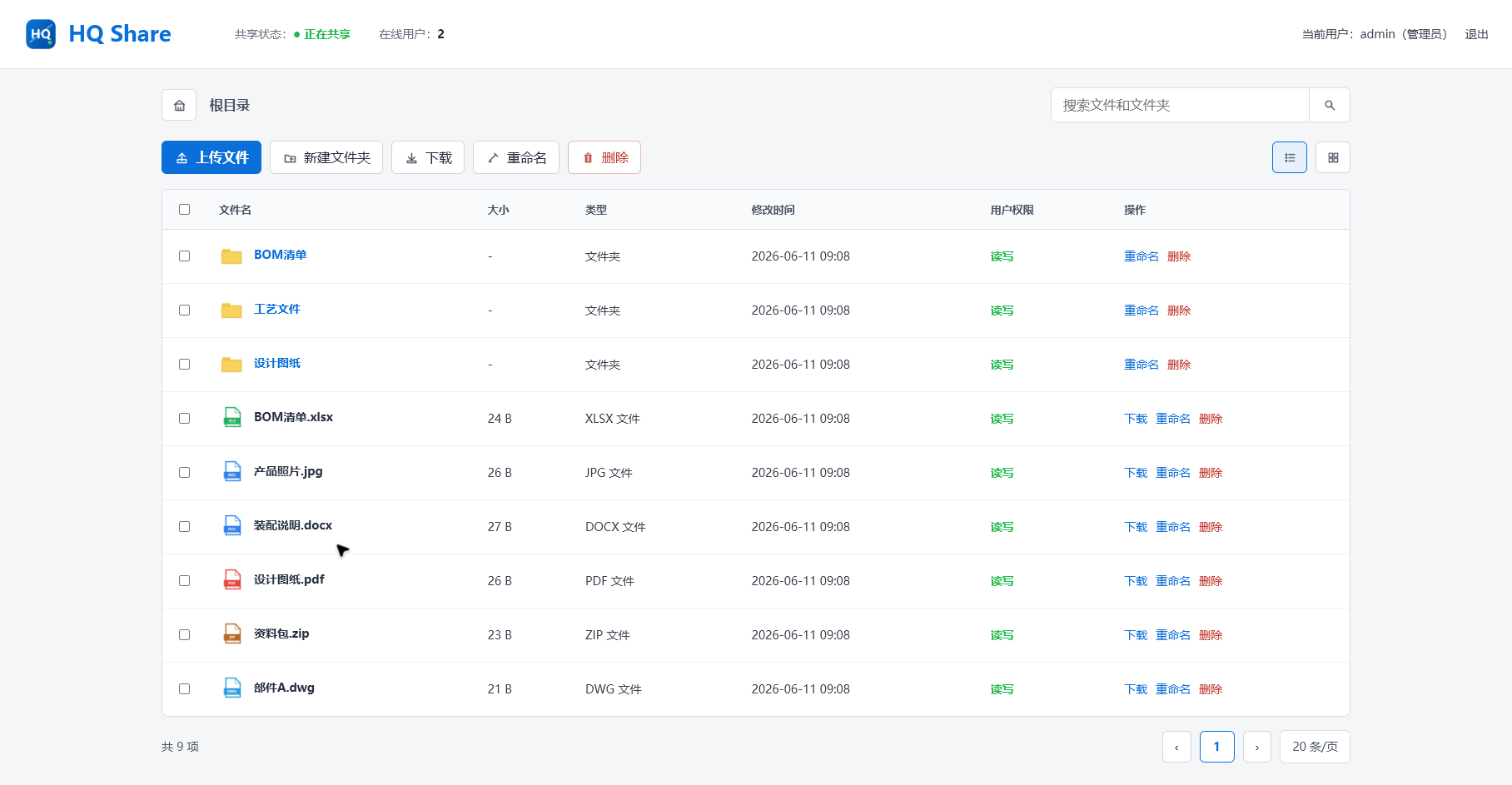
Enter the account and password first. After login, the file list and actions are shown according to the current role.